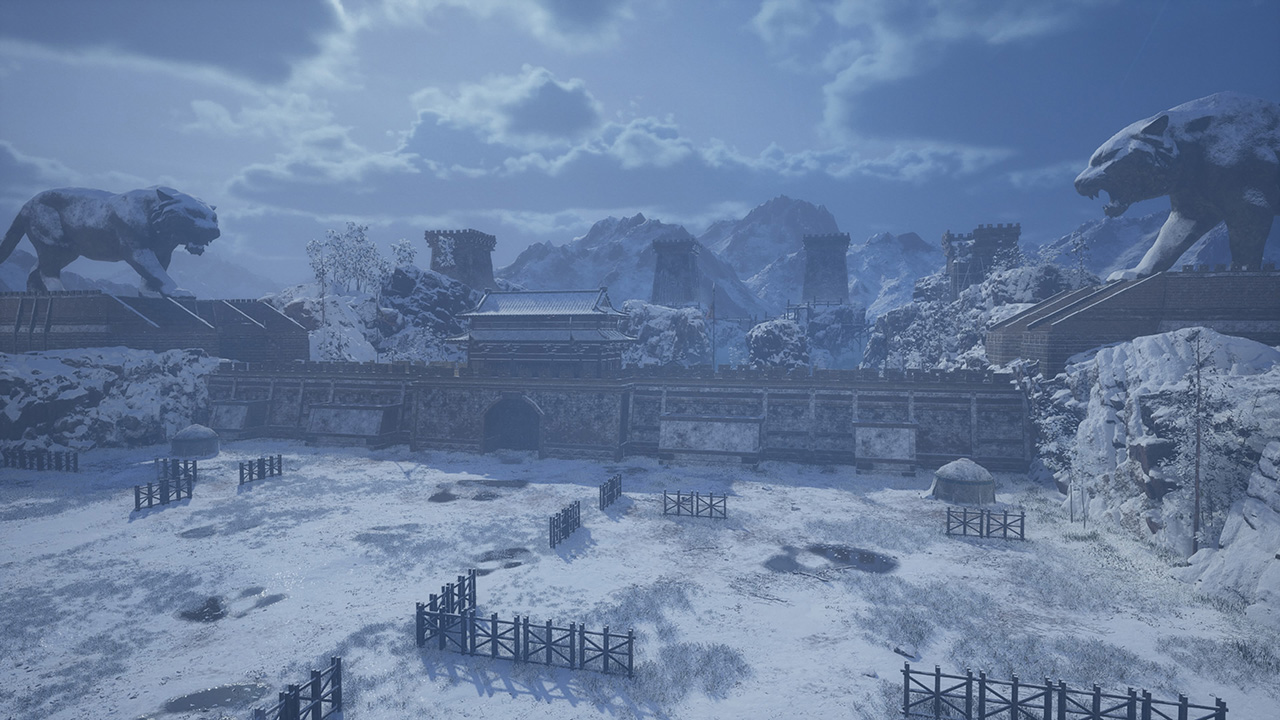
DYNASTY WARRIORS 3 Remastered System Requirements: PC Guide
Check the official DYNASTY WARRIORS 3 remastered system requirements to ensure your PC is ready for this Unreal Engine 5 revival of the classic title.
Published: DYNASTY WARRIORS 3 Wiki Editorial Team
Table of Contents
The legendary battlefield returns with a stunning visual overhaul. If you are preparing to dive back into the chaos of the Three Kingdoms, checking the DYNASTY WARRIORS 3 remastered system requirements is the essential first step to ensuring your hardware can handle the modern graphical fidelity of this classic revival.
Whether you are a veteran of the original 2000s release or a newcomer eager to experience the game that defined the 1 vs. 1,000 action genre, understanding your PC's capabilities is crucial. This guide breaks down exactly what you need to run the game smoothly, optimizing your settings for the best possible experience.
Understanding the Hardware Demands
The transition to Unreal Engine 5 means that while the core gameplay remains faithful to the original, the technical demands have significantly increased. The DYNASTY WARRIORS 3 remastered system requirements reflect this jump in visual quality, requiring a 64-bit processor and a modern operating system to maintain stable performance during massive skirmishes.
Minimum vs. Recommended Specifications
To help you gauge your machine's readiness, we have organized the official requirements into a clear comparison table.
Component
Minimum Requirements (1080p, 30fps)
Recommended Requirements (1080p, 60fps)
OS
Windows 11 (64-bit)
Windows 11 (64-bit)
Processor
Intel Core i7-8700 / Ryzen 7 2700X
Intel Core i7-10700K / Ryzen 7 3700X
Memory
16 GB RAM
16 GB RAM
Graphics
GTX 1060 (6GB) / RX 5600 XT / Arc A380
RTX 3060 (8GB) / RX 6700 XT
Storage
60 GB SSD Recommended
60 GB SSD Recommended
DirectX
Version 12
Version 12
Why Your Hardware Matters for 1 vs. 1,000 Action
In this title, the sheer number of soldiers on screen can lead to significant frame drops if your CPU or GPU is underpowered. Unlike turn-based strategy games, this action-heavy title requires consistent frame delivery to ensure your combos and "True Musou" attacks land correctly.
CPU and RAM Considerations
The game relies heavily on multi-core processing to handle the AI of hundreds of soldiers simultaneously. Having at least 16GB of RAM is not just a suggestion; it is a necessity to prevent stuttering during intense combat sequences. If you notice "hitching" during large battles, check your background applications to free up memory.
GPU and Upscaling
The developers have implemented support for multiple upscaling features. If you are running hardware closer to the minimum specifications, enabling these features is the best way to maintain a stable frame rate without sacrificing too much visual clarity.
Tip
Optimizing Performance
If your hardware is at the lower end of the spectrum, prioritize setting your resolution to 1080p and utilizing the built-in upscaling options rather than pushing for 4K. This will provide a much smoother combat experience.
Setting Up for the Best Experience
Beyond the raw hardware specs, the environment in which you play matters. The game supports 4K Ultra-HD and ultrawide monitors, which can dramatically change how you perceive the battlefield.
Visual Settings Checklist
Resolution: Match your native monitor resolution.
Upscaling: Enable if you are struggling to hit 60fps.
Texture Quality: High settings require more VRAM; if you have 6GB or less, consider Medium.
HDR: If your monitor supports it, turn this on for deeper contrast in night-time maps.
Community Insights and Common Pitfalls
Based on early community reports and feedback from the demo phase, players have noted that the game is highly responsive to controller inputs. While keyboard and mouse support is fully customizable, many long-time fans suggest using a high-quality controller for the most authentic experience.
Troubleshooting Common Issues
Frame Stuttering: Often caused by background processes. Ensure your drivers are updated to the latest version released for your GPU.
Audio Issues: Check that your sound card or audio interface is set to 16-bit stereo with 48KHz playback, as per the official documentation.
Save File Compatibility: Remember that save data from the demo does not carry over to the full version of the game.
Official Resources
For the most accurate and up-to-date information regarding your purchase and technical support, always refer to the official Steam store page for DYNASTY WARRIORS 3: Complete Edition Remastered. This page is the primary source for any patches or additional feature updates that might alter the system requirements over time.
Frequently Asked Questions (FAQ)
Q: Can I run the game on an older version of Windows?
A: The official requirements specify Windows 11 (64-bit). To ensure the best stability and performance for the engine, it is highly recommended to stay on the supported OS.
Q: Does the game support ultrawide monitors?
A: Yes, the PC version includes native support for ultrawide resolutions, allowing you to see more of the battlefield during intense encounters.
Q: Are there any differences between the standard and Digital Deluxe editions regarding system requirements?
A: No, the system requirements remain identical for both versions. The Deluxe edition simply includes additional cosmetic items and weapons.
Q: Will the DYNASTY WARRIORS 3 remastered system requirements change with future updates?
A: While unlikely, major content updates or engine optimizations could shift requirements slightly. Always check the official Steam page for the latest technical specifications.