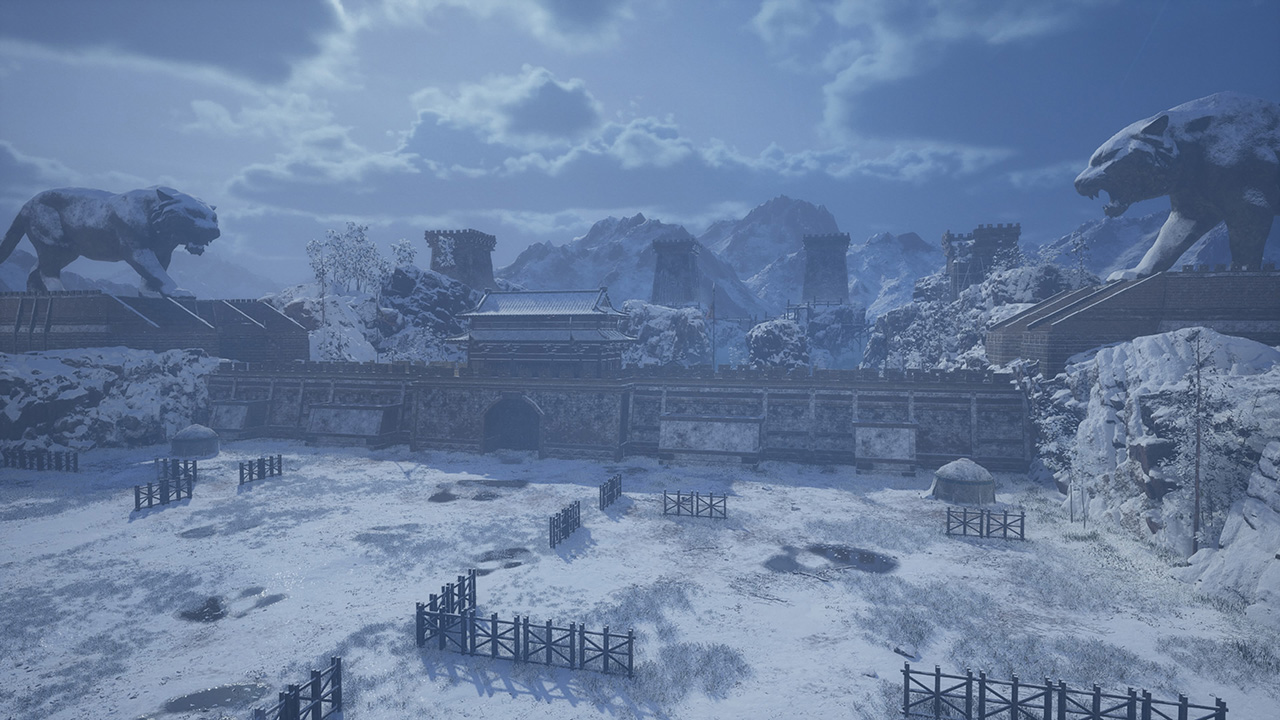
Discover how DYNASTY WARRIORS 3 performs on Switch 2. We analyze frame rate, resolution, and technical specs to see if this classic revival is worth playing.
Published: DYNASTY WARRIORS 3 Wiki Editorial Team
Table of Contents
The return of a classic often brings mixed emotions, especially when technical performance is at the forefront of the conversation. With the recent release of DYNASTY WARRIORS 3 on the Nintendo Switch 2, fans are eager to see if this modernized version lives up to the legacy of the original hack-and-slash masterpiece.
Understanding the technical boundaries of DYNASTY WARRIORS 3 on new hardware is crucial for players deciding whether to revisit these iconic battlefields. Whether you are a veteran of the Three Kingdoms era or a newcomer curious about the series' roots, this deep dive into frame rate and performance will help you set your expectations before you charge into Hulao Gate.
Technical Specifications: What to Expect on Switch 2
When Omega Force announced the revival of this title, they emphasized the transition to Unreal Engine 5. However, translating a classic into a modern engine comes with performance trade-offs. According to producer Tomohiko Sho, the team focused on maintaining parity regarding the number of on-screen enemies compared to other platforms.
The following table outlines the technical targets for the game on the handheld console:
Feature
Docked Mode
Handheld Mode
Resolution
2560 x 1440
1920 x 1080 (Upscaled)
Frame Rate Target
30 - 60 FPS (Variable)
30 - 60 FPS (Variable)
Engine
Unreal Engine 5
Unreal Engine 5
While the resolution targets are impressive for a portable device, the variable frame rate remains a hot topic in the community. The game aims to provide a fluid experience, but players should be aware that intense combat sequences can cause fluctuations.
Why Variable Frame Rate Matters in Musou Games
In the world of Musou titles, consistent frame rates are not just about aesthetics; they are tied to input responsiveness. When you are executing True Musou Attacks against hundreds of soldiers, even a minor dip in frames can make the game feel sluggish or unresponsive.
Community reports suggest that while the gameplay remains as fun as ever, the current build on Switch 2 can feel less than optimal in handheld mode. Players have noted that the game feels significantly better when docked, likely due to the system's increased power profile allowing it to maintain the higher end of that 30-60 FPS range more consistently.
Comparing the Experience: Docked vs. Handheld
Choosing how to play DYNASTY WARRIORS 3 depends on your tolerance for visual blur and frame pacing. Based on recent feedback, here is how the two modes compare for the average user:
Comparison Metric
Docked Mode
Handheld Mode
Visual Clarity
High (Native 1440p)
Moderate (Upscaled 1080p)
Frame Stability
Higher
Lower (Variable)
Battery Usage
N/A (AC Power)
High
Many players have shared their experiences online, noting that the portable experience can be "blurry" during chaotic battles. If you are playing on the go, you might find the responsiveness lacking compared to the docked experience. For a more professional look at the game's official details, you can visit the Steam store page to compare the PC version's requirements, which often serve as a baseline for the development team.
Community Insights and Gameplay Tips
The community has been vocal about the game's mechanics, particularly the "advanced gameplay options" available in the settings. If you find the camera or the controls feel "off" compared to the original PS2 release, don't rush to uninstall.
Adjust Your Camera: Many players report that changing the camera sensitivity and behavior to match the "classic" style significantly improves the experience.
Check Advanced Options: The game provides granular control over combat settings. Spending time in the menu to fine-tune these can make the action feel more precise.
Wait for Patches: Koei Tecmo has stated they are considering performance-priority modes. Keep your game updated to ensure you have the latest optimizations.
Frequently Asked Questions
Q: Is the frame rate of DYNASTY WARRIORS 3 stable on Switch 2?
A: The game utilizes a variable frame rate between 30 and 60 FPS. While it is generally playable, intense combat can cause dips, especially in handheld mode.
Q: Does the game support performance modes?
A: Currently, no. However, the developer has expressed interest in adding graphics-priority or performance-priority modes in a future update to address community feedback.
Q: Is this version of DYNASTY WARRIORS 3 different from the original?
A: Yes, it is a remaster built in Unreal Engine 5. While it retains the classic gameplay, it features updated assets, lighting, and resolutions that differ from the original 2000s release.
Q: Can I play with a friend?
A: Currently, the game supports single-player, but the developer has confirmed that online two-player co-op will be added in a free post-launch update.